
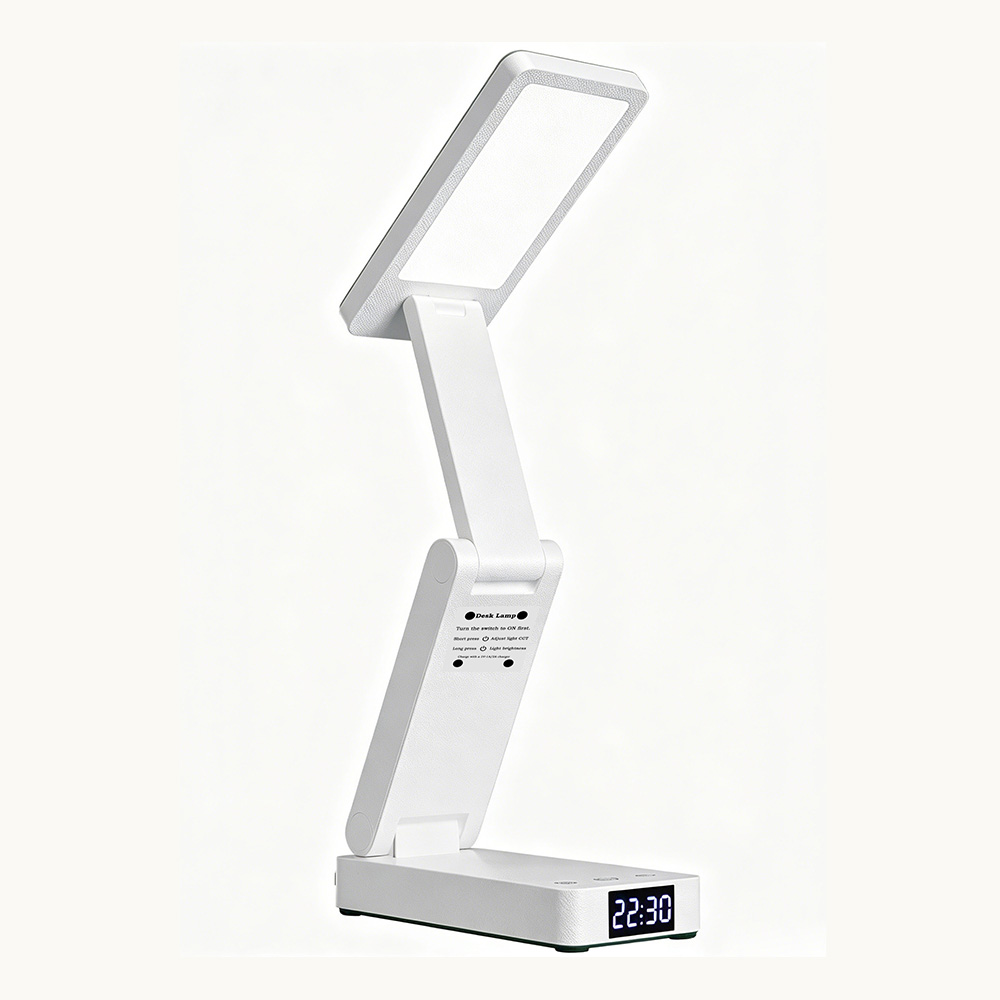
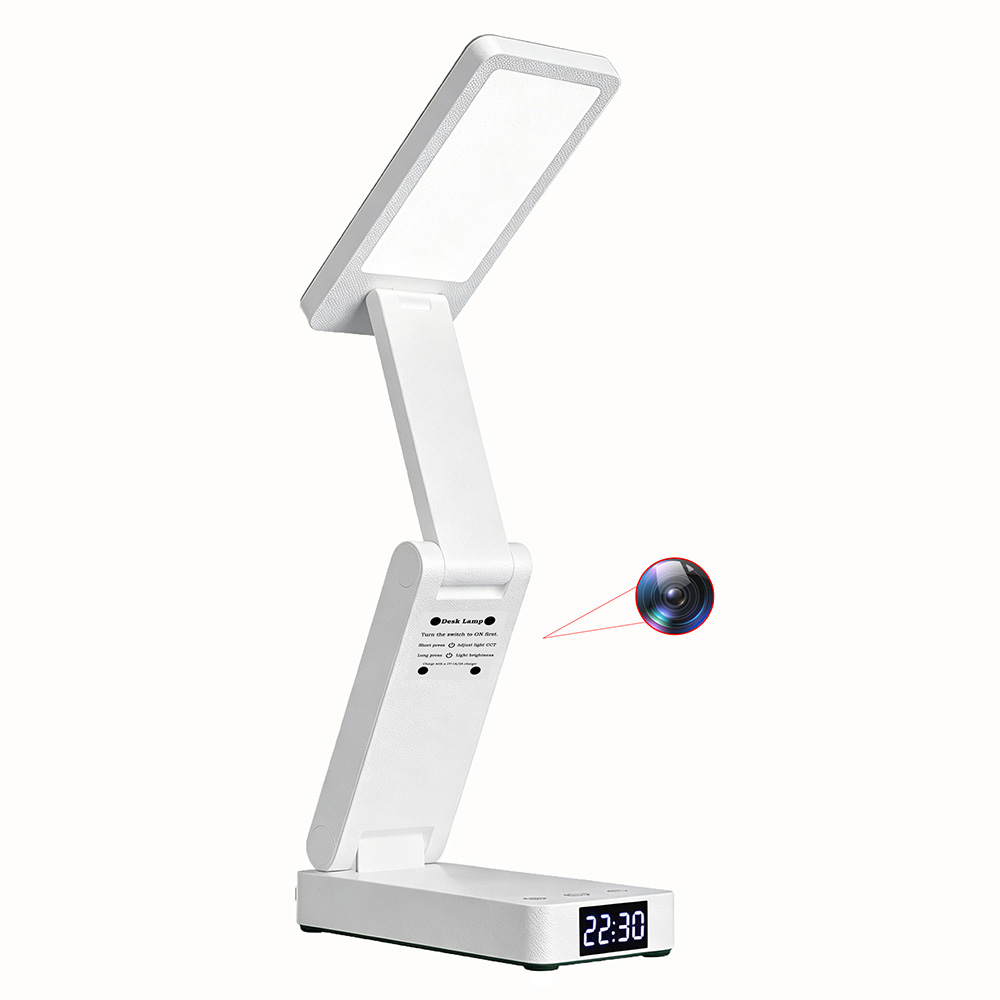
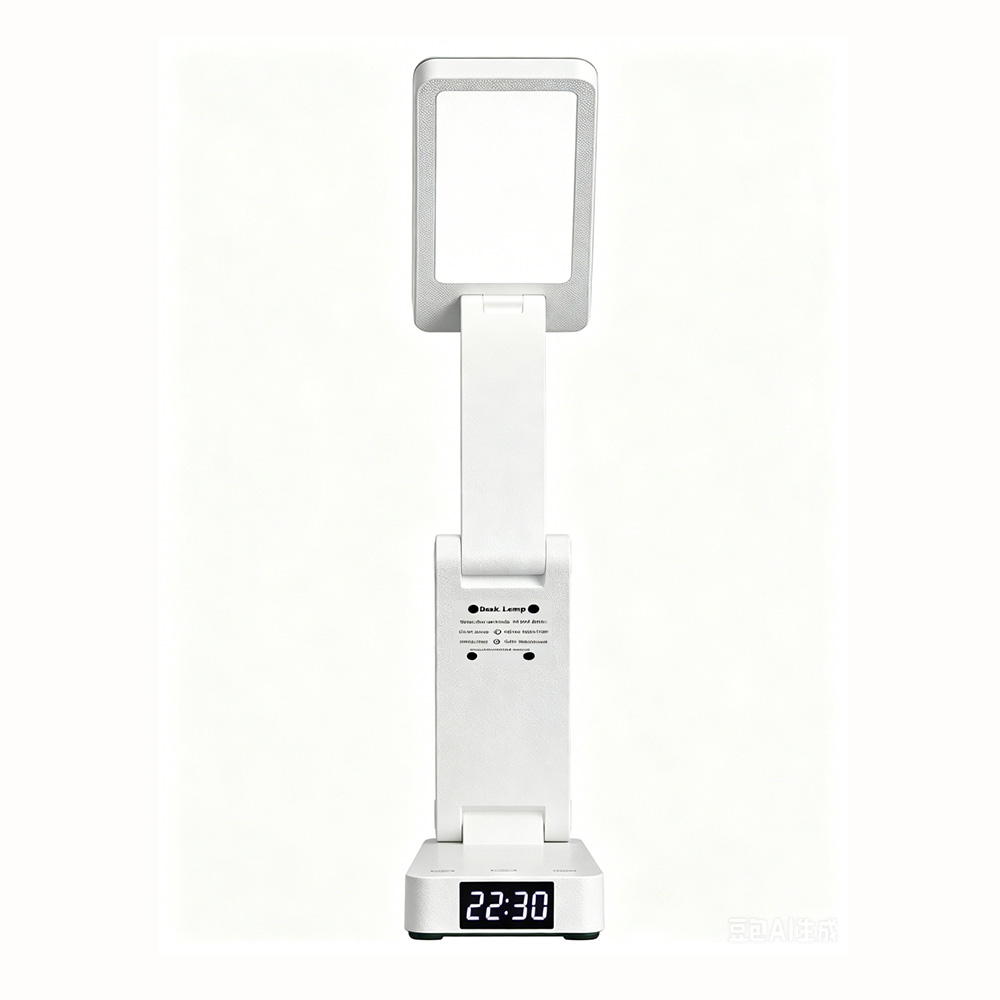
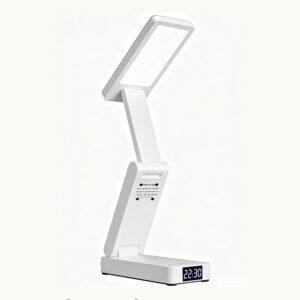
1. Lamp Lighting Function
Before use, slide the power switch to the “NO” position.
- Tap the ⦿ power button to switch color temperature.
- Long press the ⦿ power button to adjust brightness.
2. 45-Minute Timer Function
Press the Ⓧ₄₅ₘᵢₙ timer button once.
The light will flash 3 times, indicating that a 45-minute timer has been activated. The light will automatically turn off after 45 minutes.
To cancel the timer, press the Ⓧ₄₅ₘᵢₙ button again.
The light will flash once, indicating that the timer has been canceled.
3. Clock Setting Function
When the light is on, long press the clock button for 3 seconds to enter time-setting mode. The clock display will start flashing.
- Tap the ☾ button to adjust the hour (0–23).
- After setting the hour, long press the clock button again for 3 seconds to switch to minute setting. The minute digits will flash.
- Tap the clock button to adjust minutes (0–59).
After finishing the setting, the display will flash four times and exit automatically if no further operation is performed.
Rated Voltage: 5V
Rated Power: 10W
Rated Current: 1A / 2A
Product Size: 15 × 7 × 5.5 cm
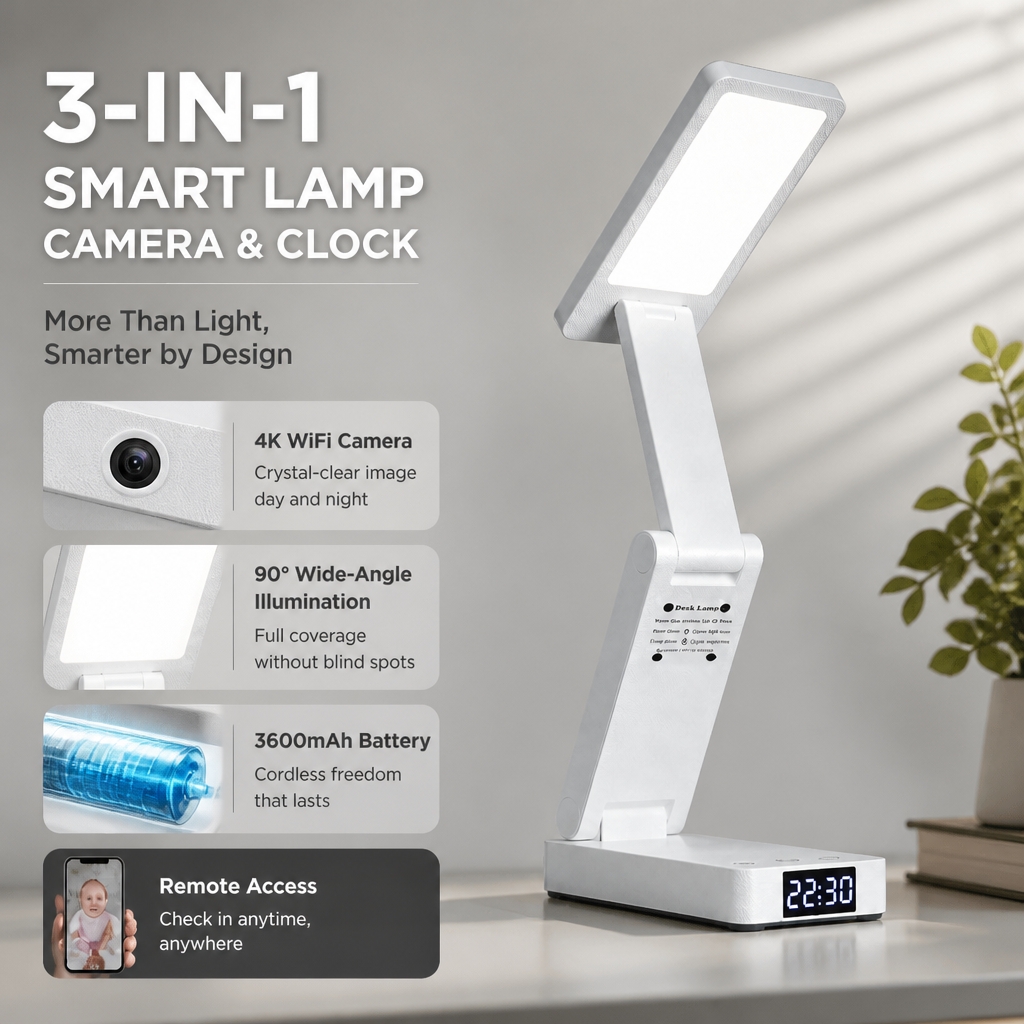
Battery Capacity: 3600 mAh
Camera Angle: 90°
Video Resolution: 2304 × 1296
Battery Recording Time: Up to 21 hours

Reviews
There are no reviews yet